I recently came upon a webinar hosted by two environmental consultants, Mike and Amy. The webinar was called “Improving Training Effectiveness through Accelerative Learning”. As an environmental trainer who has conducted seminars and webinars on environmental compliance for thousands of environmental managers, I was very curious to learn about this “accelerative learning” process which sounds like something revolutionary and innovative. I logged on to the webinar with an open mind and eagerness to learn new training strategies.
It was a major disppointment.
The webinar begins with a four-minute self introduction of the speakers. A self promotional spiel. This is one of the common mistakes made by speakers. They fail to realize that the participants are there to learn about the topic. The fact that they are there is fair assumption that they already know about the qualifications of the speakers. The time to brag about your qualifications is BEFORE they sign up for your talk. So someone who is anxiously waiting to find out more about the topic is forced to sit through several minutes of tedious tripe.
Mike then proceeds to go through bulletpoints – one by one until they build up to a screen full of nine bulletpoints after 13 minutes. The big problem with 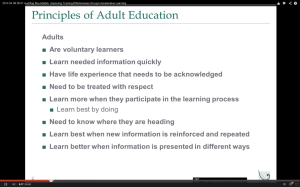 bulletpoints is that they are a big distraction to the audience. As the speaker is talking about bulletpoint #5, the audience is free to roam around and is probably reading the previous four bulletpoints. By the time we get to the last bulletpoint, hardly anyone is listening to the speaker. Some are probably in a coma.
A much more effective means of presentation is to show each talking point (in the form of a short sentence) coupled with a relevant picture in EACH slide. Let’s say you are talking about how to reef a sail on a sailboat. Show a photograph of someone reefing the sail on a sailboat and talk about how to do it. And then you move on to the next slide with the next talking point in a short sentence coupled with an appropriate photo. That’s how you KEEP your audience’s attention to what you are saying. Their eyes cannot meander to your previous talking points.
How many times have we attended a conference where the speaker splashes 10 bulletpoints on the screen and then proceeds to read them out loud one by one? Look around the room and you will find many people dozing off or working on their crossword puzzle.
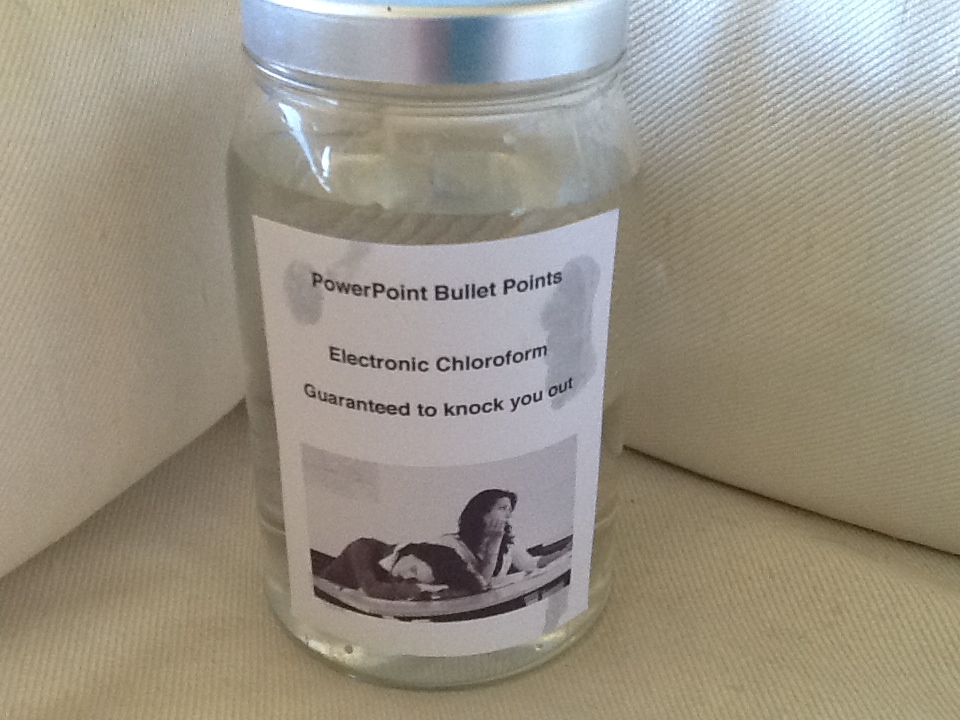
There is a reason bulletpoints are also known as electronic chloroform.
The second speaker Amy does a similar thing except she embeds her bulletpoints in diagrams so that at the end she has a collage of diagrams with multiple bulletpoints embedded. The audience will do the same thing as they do with Mike’s plain old bulletpoints. Their eyes will be wandering all over the diagram and their minds will tune out what she has to say.
Here is another example: When she talks and shows a pyramid as shown here at 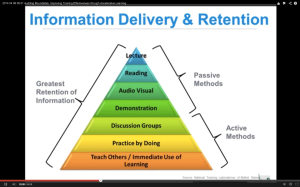 the same time, the audience will be accelerating through all those words on the diagram and not be listening to her important message. That’s hardly effective learning.
Amy mentions decades and decades of brain research on learning. The landmark research done on cognitive learning is by Dr. Richard E. Mayer – a professor of psychology at the University of California Santa Barbara. His research shows that people take in much more information and retain more when they are presented with a short sentence words and an accompanying visual. Lots of research papers have been written on this topic.
I never did finish the webinar. It was dreadfully boring and I felt myself lapsing into a coma. The only way I can stay up was to stab my leg with a sharp object to keep me from dozing off.
In sum, presenting multiple bulletpoints on a single slide is NEVER an effective way to communicate to any audience. It is a major distraction. Speakers use bulletpoints to remind them of when they need to say what – much like a cheap teleprompter. And that’s fine. But there is no need for the speakers to show the audience their teleprompter.
The cardinal rule of good presentation or public speaking is this: always make sure your audience’s focus is on you – the speaker and the spoken words – not words on the screen.
The most effective to make a presentation to an audience is to TALK to them. You are having a normal conversation with each and every one of the audience. You tell stories of real-life examples that relate to the audience. You never use electronic chloroform to put your audience to sleep.
It is a cruel and unusual punishment.

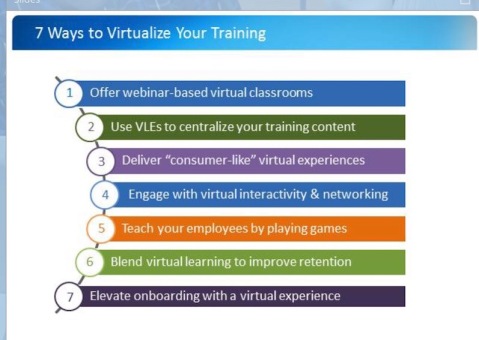 u see slides like these all the time. They put the audience in a coma: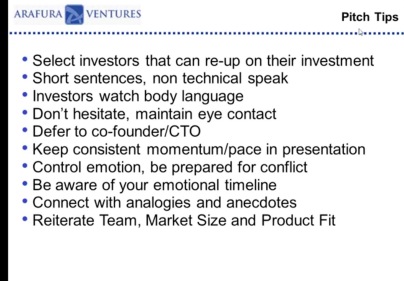
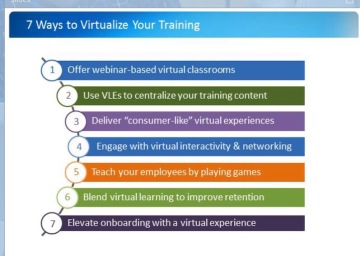 Then at 9 minutes, he flashed a slide with ALL 7 of his magical ways to keep the audience from getting dazed, confused and bored – in 7 bullet points. He then droned on in his monotone about those 7 points which I could clearly read.
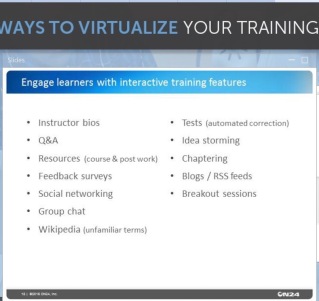 So I took a screen shot of the 7 bullet points and the 12 bullet points and left the webinar.




 Excellence in Presentations